

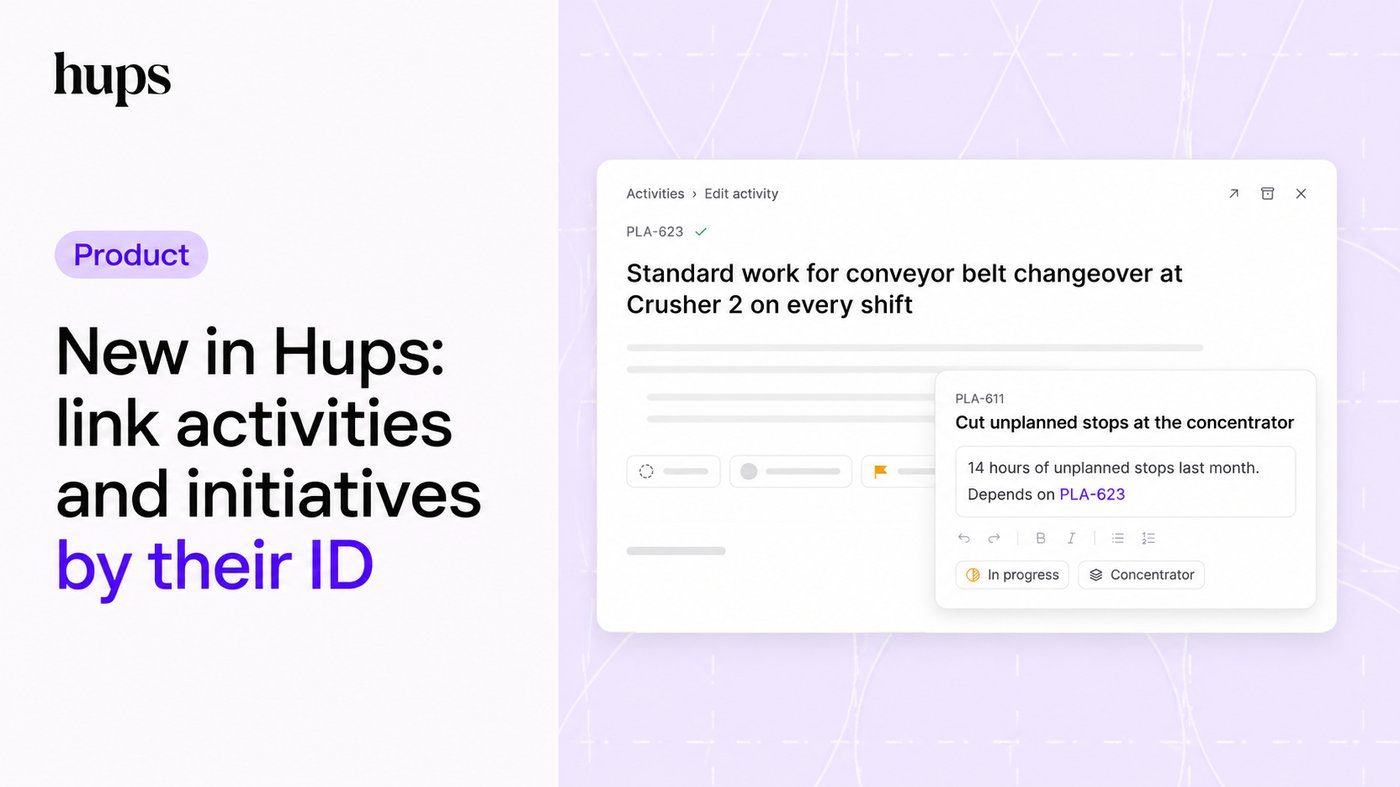
Every activity and initiative in Hups now has a short ID, like PLA-623. Copy it in one click to share it, or type # in a description to link to another item.
How it works
Copy and link activities and initiatives by their ID
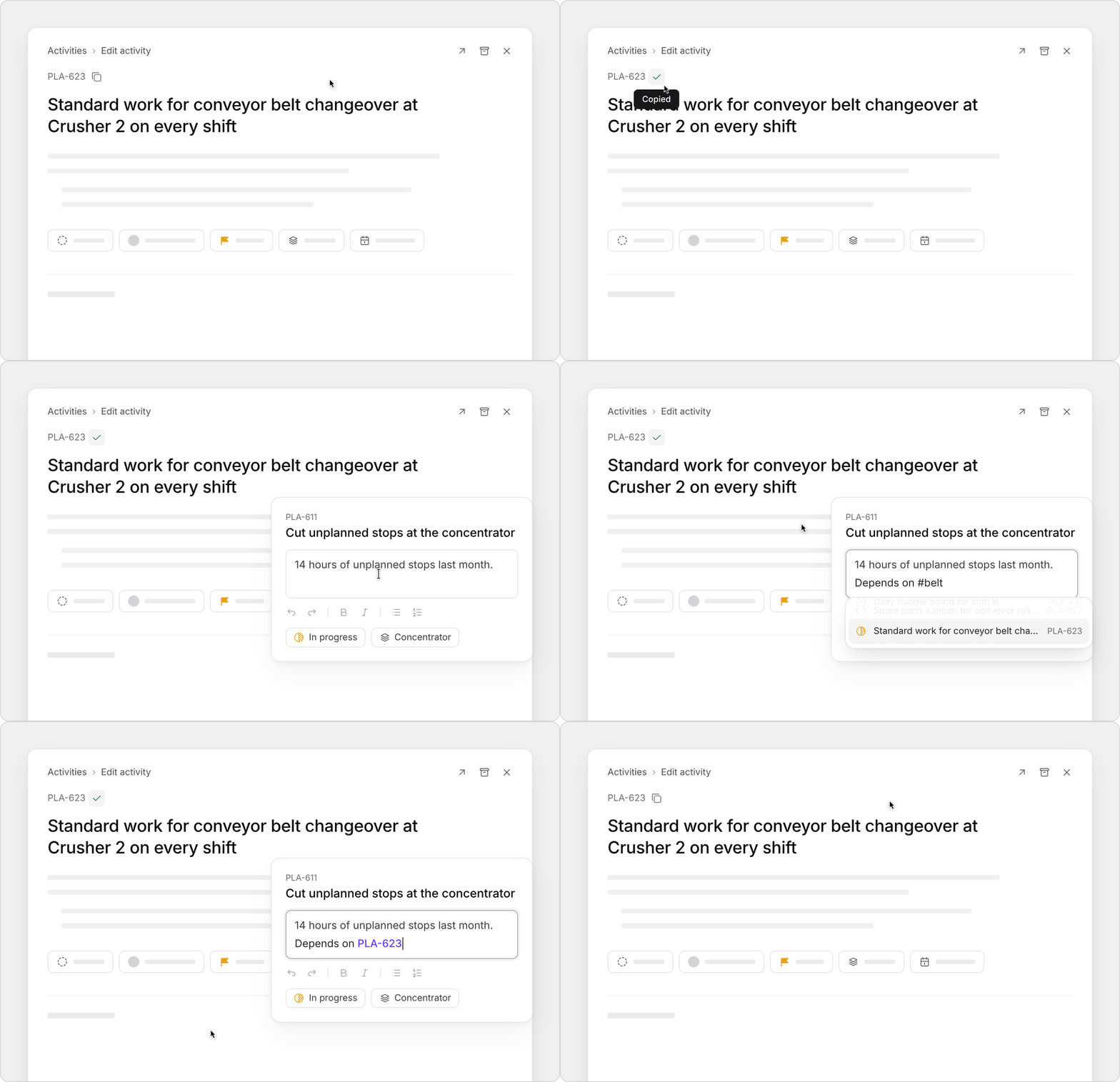
The ID sits at the top of every activity and initiative page. You can use it in two ways: copy it to share the item, or link to the item from any description by typing #.
Copy an ID to share it
Click the copy icon next to the ID. Paste it into a message, a shift handover note or a meeting agenda. Now everyone is looking at the same item. That beats "the changeover one from last week".
Type # to link work together
In any description, type #. A list of activities and initiatives appears. Keep typing to search by title, then pick the one you want. Hups adds it to the description as a link.
The value it gives Hups users
Titles are easy to mix up, and "the one from last week" means different things to different people. A unique ID removes the guesswork. When you share or link work by its ID, everyone knows exactly which activity or initiative you mean.
Next time you mention an activity in a handover or an agenda, add its ID instead of describing it.
Not a Hups user yet?
Book a demo to learn how Hups can help your organization improve end-to-end flows.